Scraper Stability: Dev vs Production Proxy Differences
Your scraper works perfectly on your laptop, but breaks the moment you deploy. Pages return empty data, block rates spike, and retries multiply. These scraper production issues usually come from one gap: the proxy and traffic conditions in development do not match production reality. By the end, you’ll know how to close that gap, stabilize runs, and reduce cost per successful request.
Direct answer: Scraper production issues often happen because development environments use low-volume, low-diversity traffic with minimal defenses, while production introduces higher concurrency, stricter detection, and different proxy behavior. Aligning proxy type, session handling, and pacing between dev and production reduces blocks, improves session survival, and stabilizes throughput.
Why scrapers fail after deployment
In development, you test with limited requests, stable IPs, and predictable timing. Targets rarely trigger defenses at that scale. In production, traffic patterns change quickly.
Common shifts include:
- Concurrency increases per domain
- Request timing becomes more bursty
- IP reuse patterns become visible
- Sessions break under rotation
- Geo and ASN mismatches surface
These changes expose weaknesses that were invisible in development.
What changes between dev and production
| Factor | Development behavior | Production reality |
|---|---|---|
| Traffic volume | Low and steady | High and variable |
| IP usage | Few IPs reused | Large pool required |
| Detection pressure | Minimal | Active WAF and rate limits |
| Session handling | Simple | Needs stickiness and reuse |
| Error tolerance | Low impact | High cost and cascading failures |
The result is clear: a scraper that works locally may fail under real-world load.
The role of proxies in scraper production issues
Proxies shape how your traffic looks to a target. In development, you may test without rotation or with a small pool. In production, this leads to detectable patterns.
- Limited IP diversity increases clustering signals
- Over-rotation breaks cookies and tokens
- Wrong proxy type mismatches target difficulty
Understanding these tradeoffs is central to solving scraper production issues.
Decision path: aligning dev and production setups
Use this sequence to reduce surprises before deployment.
- Simulate production traffic early
- Increase request volume gradually
- Introduce concurrency per domain
- Match proxy type to target difficulty
- Low resistance → start with datacenter proxies
- High resistance → move to residential proxies
- Introduce session logic
- Pin sessions for stateful flows
- Reuse cookies where needed
- Observe signals
- Block rate rising → adjust proxy type or pacing
- Session drops → increase stickiness
- Validate before scaling
- Run a controlled pilot instead of full rollout
Datacenter vs residential in dev vs production
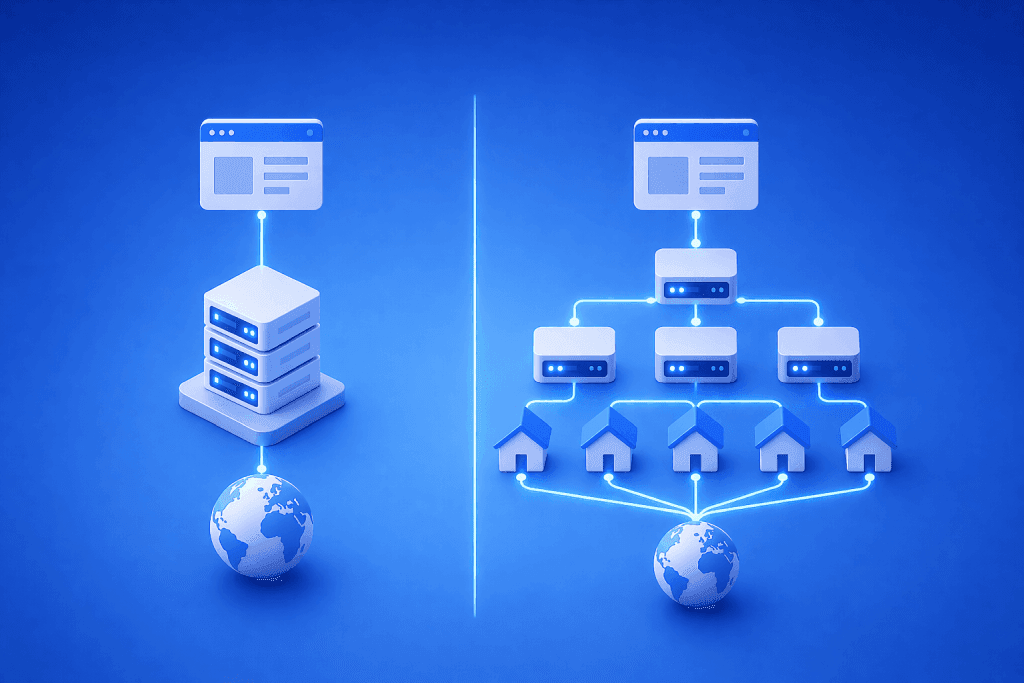
In development, datacenter proxies are often enough because traffic is light. They are fast and easy to test with.
In production, detection systems analyze behavior over time. This is where residential proxies provide an advantage.
- Datacenter proxies: speed, lower cost, good for low-friction targets
- Residential proxies: higher diversity, better for sensitive or high-defense targets
A common pattern is hybrid usage: start with datacenter for volume, then route difficult paths through residential.
Session handling: where most systems break
Session behavior is one of the biggest differences between dev and production.
In development:
- Sessions are short-lived
- Cookies are rarely reused
In production:
- Sessions must persist across multiple requests
- Tokens and cookies must remain consistent
Poor session design leads to:
- repeated logins
- broken flows
- increased detection
Fix by aligning session lifetime with the target’s expectations.
What to measure when diagnosing scraper production issues
Focus on a small set of metrics that reflect real performance.
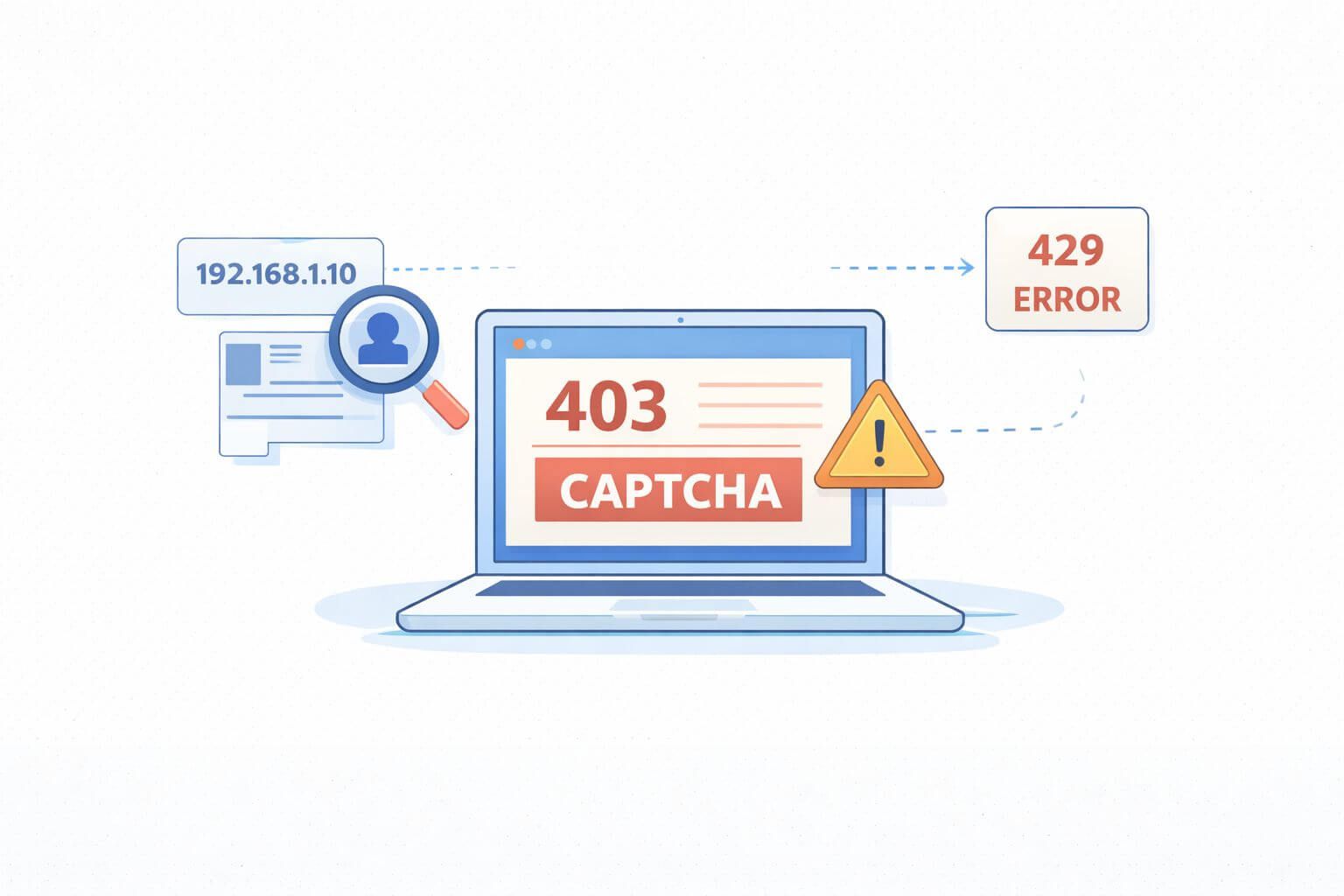
- Block rate: percentage of requests returning 403, 429, or challenge pages
- CPSR: total proxy cost divided by successful responses
- Session survival: number of successful requests before interruption
- Throughput: successful pages per minute
- Latency: response time trends under load
Example targets to validate in a pilot:
- Block rate stabilizing below previous baseline
- CPSR decreasing after proxy adjustments
- Session survival increasing for stateful flows
Watch out for this: common production failure modes
- Over-rotation: switching IP every request breaks sessions
- Concurrency spikes: sudden traffic increases trigger WAF limits
- Header inconsistency: changing fingerprints too often looks unnatural
- Geo mismatch: IP location does not match expected user behavior
- Shared pools: mixing multiple workloads increases noise
Each of these can trigger scraper production issues even if the scraper logic is correct.
Real-world scenario: eCommerce scraper scaling
A product scraper works fine in development using a small IP pool. After deployment, it starts receiving 403 errors on product pages.
The fix:
- introduce session pinning
- reduce concurrency per domain
- route sensitive endpoints through residential proxies
Result: block rate drops and CPSR stabilizes.
Real-world scenario: headless browser automation
A browser-based scraper using Puppeteer performs well locally. In production, it fails during login and navigation steps.
The fix:
- use consistent session identity
- align headers with proxy geo
- introduce pacing between actions
For implementation patterns, see Puppeteer and Scrapy integration guides for handling proxy configuration correctly.
Implementation checklist for stable production scrapers
- Simulate production traffic during testing
- Choose proxy type based on target resistance
- Maintain session consistency where required
- Limit concurrency per domain
- Monitor block rate and CPSR continuously
- Adjust one variable at a time
Frequently Asked Questions
Why do scrapers fail only in production?
Because production introduces higher traffic, stricter detection, and more complex session behavior. These conditions expose issues that are not visible in development.
How do proxies affect scraper stability?
They determine how your traffic appears to the target. Poor proxy selection or rotation leads to detection and blocks.
Should I always use residential proxies in production?
Not always. Use them when targets have strong defenses. For simpler targets, datacenter proxies may be more cost-effective.
How can I reduce scraper production issues quickly?
Start by lowering concurrency, improving session handling, and testing with a more diverse proxy pool.
What metric should I prioritize first?
Block rate is the fastest signal. If it rises, your configuration needs adjustment.
Do development tools affect proxy behavior?
Yes. Frameworks like Scrapy and Puppeteer handle requests differently, so proxy integration must be configured correctly for each.
Wrap-up and next steps
Scraper production issues are rarely caused by code alone. They come from mismatches between development assumptions and production reality. The key is alignment: proxy type, session handling, and traffic patterns must reflect real-world conditions.
Next steps:
- Run a pilot with production-like traffic
- Measure block rate, CPSR, and session survival
- Adjust proxy strategy before scaling
For deeper implementation patterns, explore proxy tutorials and refine your setup based on real performance signals.
About the author
Daniel Mercer
Daniel Mercer designs and maintains high-availability proxy networks optimized for uptime, latency, and scalability. With over a decade of experience in network architecture and IP infrastructure, he focuses on routing efficiency, proxy rotation systems, and performance optimization under high-concurrency workloads. At SquidProxies, Daniel writes about building resilient proxy environments for production use.