How to Reduce Block Rates in Large-Scale Web Scraping
Your pipelines don’t fail because data isn’t there. They fail because sites push back. Blocks turn clean data into gaps, retries, and missed SLAs. If you need to reduce block rate at scale, this guide shows how to profile targets, pick the right transport, tune proxies and sessions, and monitor the signals that matter. What you’ll get: a field-tested framework you can implement and measure.
In short: to lower blocks, align your request identity and pacing with each site’s normal user behavior, select the right proxy mix, manage session lifecycles, detect challenges fast, and adapt concurrency per target. Log granular outcomes, then iterate with small, controlled changes.
Why block rates spike in the real world
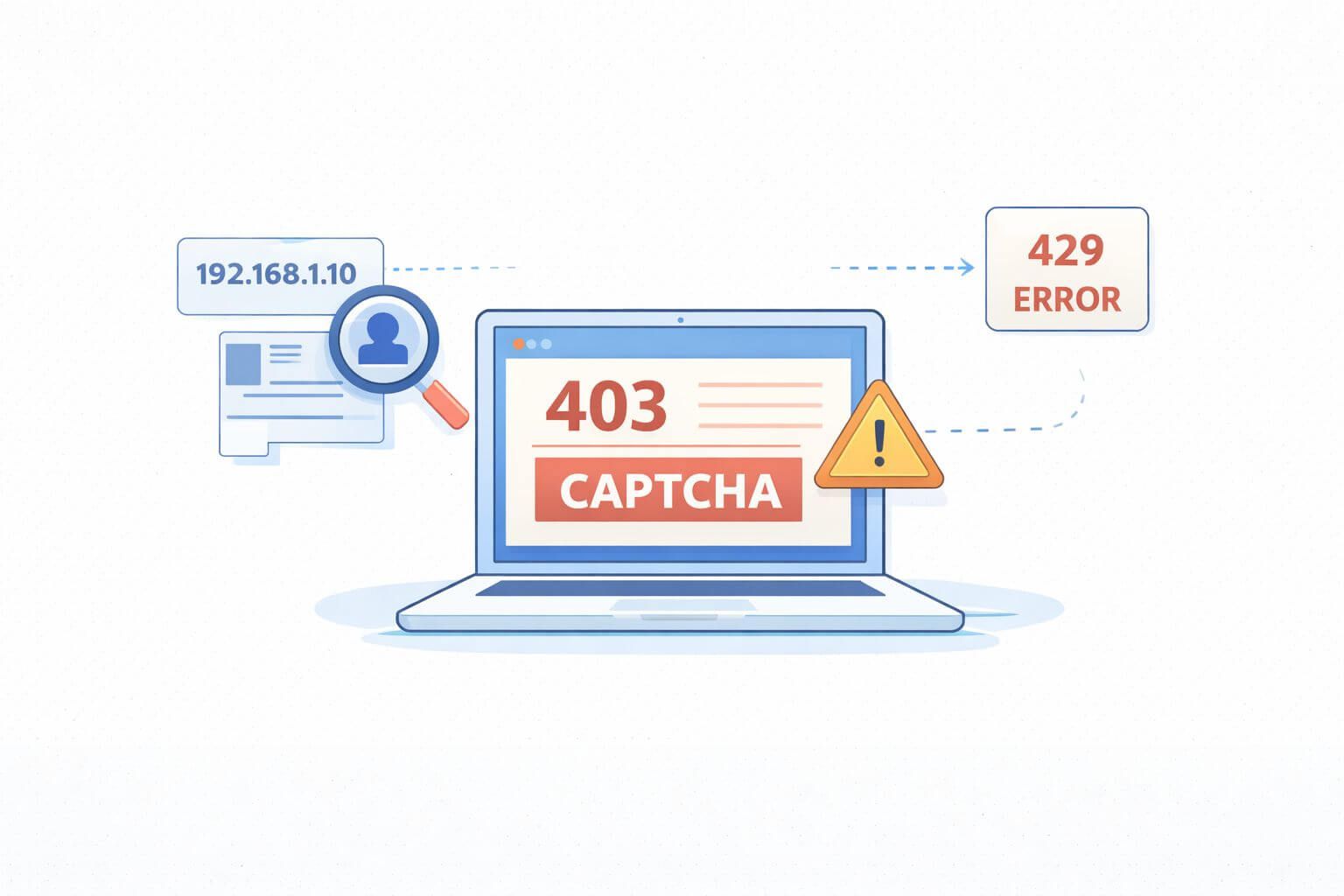
Blocks rise when your traffic looks abnormal or arrives too fast. That could be IP patterns, headers, timing, or repeated paths that don’t match real users. WAFs combine these signals and ratchet up friction with CAPTCHAs, 429/403 responses, or silent HTML traps.
From a business angle, high block rate inflates cost per successful page, delays price checks, and hurts decision speed. From an engineering angle, it means brittle jobs, noisy alerts, and heavy reprocessing. The fix is a system, not a trick.
The metrics to watch (and define)
- Block rate: blocked responses / total responses, per target and per route.
- CPSR: define this internally as your clean-page success rate. Track alongside block rate for clarity.
- Geo accuracy: percent of responses delivered from intended country/region.
- Session stability: average requests per session before failure.
- Uptime and error budget: time within SLOs for each job.
- Engineering overhead: time spent on re-runs and manual fixes.
Agree on these before you tune. You can’t reduce block rate if you don’t know where and why it’s rising.
A practical framework to cut blocks
- Profile each target
- Map routes: listing, detail, search, login, cart.
- Identify sensitive actions: POSTs, authenticated steps, query-heavy endpoints.
- Baseline normal load: request size, resource mix, and timing.
- Match transport to reality
- Start with an HTTP client for static pages.
- Switch to a headless browser when you see dynamic rendering, strong client checks, or persistent challenges.
- Control identity and state
- Choose the right proxy type and rotation strategy.
- Use realistic headers and languages; keep them consistent per session.
- Pace and shape traffic
- Concurrency and jitter should mirror human browsing.
- Add backoff and session resets on challenge signals.
- Detect, label, adapt
- Label outcomes (200-clean, 200-challenged, 403, 429, soft-blocked HTML, CAPTCHA) and adapt on the next run.
Choosing a proxy strategy
Datacenter IPs are fast, predictable, and cost-efficient, but some sites flag them quickly. They perform well on low-protection routes, APIs, or less sensitive assets. For a deeper dive into traits and tradeoffs, see our overview of datacenter proxies.
Residential or mobile IPs blend with consumer traffic and pass tougher checks at the cost of speed and variability. They shine on guarded sites, retail pages, and login flows. We’ll discuss rotation and session strategy below.
Rotate, warm, and monitor IPs
- Use sticky sessions when a flow needs state (search → detail → add-to-cart). Reset the session after a small number of pages to avoid accumulation of fingerprints.
- Rotate aggressively for single-page fetches. Avoid back-to-back hits from the same IP on sensitive routes.
- Warm pools: don’t slam new IPs. Start with low concurrency and ramp.
- Monitor ASN diversity and ISP mix. If blocks spike on a handful of networks, filter them. For routes under heavy WAF scrutiny, consider a broader pool like residential proxies to improve pass rates.
Request quality: headers, languages, and TLS posture
- Keep a coherent fingerprint per session: User-Agent, Accept-Language, viewport, platform. Randomizing every field per request can look fake.
- Serve the same language and encoding the site expects from users in that region.
- If you see TLS- or JA3-based friction, match a small set of common client profiles rather than generating endless variations.
Concurrency, timing, and path variety
- Use paced concurrency: set per-target caps and add jitter to delays. Bursty patterns trigger rate limits.
- Spread routes: don’t hammer the same SKU or search query in a tight loop.
- Respect server signals: 429 means slow down; 403 after a CAPTCHA means rotate identity and cooldown.
CAPTCHAs, challenges, and fallbacks
- Detect early: look for challenge keywords or unique DOM nodes before counting a page as clean.
- Decide: solve, switch transport, or skip. If solving is allowed, isolate it for the smallest surface area and budget the time.
- For advanced WAF flows, a headless browser with human-like navigation timing can lift CPSR. Use it selectively to control cost.
Implementation playbook
- Step 1: Target profiles. Document routes, guards, and acceptable load.
- Step 2: Proxy policy per route. Define which IP type, rotation frequency, and stickiness to use.
- Step 3: Request templates. Lock in header sets and languages per geo.
- Step 4: Concurrency plan. Establish per-target ceilings and jitter ranges.
- Step 5: Challenge detection. Add detectors for 403/429, CAPTCHA DOMs, and soft-block HTML.
- Step 6: Adaptive logic. On challenge, rotate IP or session, reduce concurrency, or switch transport.
- Step 7: Logging. Store request-id, IP/ASN, country, session-id, route, outcome label, latency, and HTML hash.
- Step 8: Review loop. Weekly review of block rate and CPSR; ship small changes and A/B test them.
Decision aid: pick the right transport
| Signal you observe | Prefer HTTP client | Prefer headless browser |
|---|---|---|
| Static HTML, simple paths | ✓ | |
| Heavy client-side rendering | ✓ | |
| Frequent JS challenges | ✓ | |
| Tight SLAs, large volume | ✓ | |
| Logged-in flows | ✓ |
In plain terms: use the simplest tool that passes cleanly; escalate only when signals show you need it.
Real-world scenarios
Retail pricing: Your datacenter pool runs fine on category pages but chokes on product detail with 403s after three requests. Fix: switch detail pages to sticky residential sessions with modest rotation, add 500–1200 ms jitter, and cap concurrency per domain. Result: fewer blocks and less retry churn.
Travel search: Search endpoints rate-limit bursts and show intermittent CAPTCHAs. Fix: split queries across regions, add token bucket pacing per account, and move CAPTCHA-prone steps to a headless browser while keeping results scraping in an HTTP client.
Reduce block rate fast: five quick wins
- Cap concurrency per route, not per domain. Sensitive endpoints need lower ceilings.
- Normalize headers and languages per geo; stop randomizing every request.
- Introduce sticky sessions only where needed; reset after a set number of pages.
- Add early challenge detection and short-circuit retries on known soft-block HTML.
- Rotate identity right after a 403/429 and cooldown that target for a few minutes.
Mid-roll reminder: the fastest way to reduce block rate is to make traffic look normal for that specific site and route.
Validation and monitoring: prove it works
- Start with a pilot: run a 24–72 hour A/B with old vs. new settings.
- Example targets to validate in a pilot: cut block rate by 20–40% on guarded routes; lift CPSR by 10–25%; hold geo accuracy above 95%.
- Dashboards: per-target block rate, CPSR, session length before failure, IP pool health, and retry volume.
- Alerts: surge in soft-block HTML hash, rising 429s, or sudden geo drift.
Watch out for this
- Over-rotation: changing identity every request on a sessioned flow triggers suspicion and blows up latency.
- One-size-fits-all settings: what works for a blog will fail on cart or login.
- Ignoring robots and ToS: legal and compliance risk rises fast; align with your governance team.
- Chasing perfect fingerprints: focus on consistency and plausible realism, not endless randomization.
Map tactics to proxy use cases
Verticals and routes differ. Competitive pricing, brand monitoring, ad verification, and travel search each stress different parts of the stack. For more context on where each approach fits, browse these practical proxy use cases.
Frequently Asked Questions
How do I define and measure block rate consistently?
Decide what counts as a block for your team: explicit errors (403/429), CAPTCHAs, and soft-block HTML. Label outcomes at the request level and aggregate per route. Keep this definition stable across tests so you can compare changes.
When should I switch from datacenter to residential IPs?
Switch when guarded routes show rising blocks despite pacing and clean headers. Use datacenter IPs for static or API-like endpoints to control cost, and reserve residential for guarded pages, login flows, or high-value targets where pass rate matters more. Consider a mixed approach by route.
How much concurrency is safe per target?
There’s no universal number. Start small, such as single digits per route, and ramp while watching 429s, latency, and block rate. Set different ceilings per path and back off quickly when challenge signals rise.
Do I need a headless browser for every site?
No. Use it only when client-side rendering, JS challenges, or login flows demand it. Pair a headless browser for difficult steps with a lightweight HTTP client for the rest to keep throughput and cost in check.
What are good signals to decide a retry vs. rotate vs. stop?
Retry on network timeouts with small backoff. Rotate IP/session on 403/429 or detected CAPTCHA. Stop when you see repeated soft-block HTML or when an error budget for that route is exhausted.
How do I keep requests compliant?
Align with legal counsel and internal policies. Follow public endpoints and acceptable load patterns, honor geo restrictions, and be transparent about use within your org. Build controls that throttle or pause jobs when risk signals or complaints occur.
What if residential IPs are still blocked?
Lower concurrency, extend session lifetimes modestly, tighten header consistency, and check ASN/ISP distribution. Consider a new region or a headless browser for that step. Validate changes with a small pilot before scaling.
How do I debug sudden spikes in blocks?
Compare recent runs to a clean baseline: IP ranges, headers, TLS client profile, concurrency, and target site changes. Look for a common factor in failed requests, such as a specific ASN or route. Roll back recent changes and reintroduce them one by one.
Where to learn more and go deeper
- Need a refresher on strengths and tradeoffs for high-throughput IPs? Review our guide to datacenter proxies.
- Planning guarded route strategies and session logic? Explore residential proxies for context on pool diversity and stickiness.
- Want to see patterns by industry? Browse real-world proxy use cases to map tactics to your vertical.
- Looking for deeper methodology and implementation details? Read our step-by-step technical guides.
Wrap-up and next steps
Lowering blocks is about fit: the right identity, pacing, and transport for each route. The main tradeoffs are speed vs. stealth, and cost vs. pass rate. Start with per-target profiles, set clear metrics, then tune proxies, sessions, and concurrency in small experiments. To reduce block rate over time, keep your feedback loop tight and your definitions stable.
Next steps: choose one target, ship a controlled A/B, and track block rate, CPSR, and session length before failure. Tune only one variable per run. When results hold for a week, roll out to the next route. For deeper patterns and implementation tips, explore our SquidProxies guides and technical resources.
About the author
Marcus Delgado
Marcus Delgado is a network security analyst focused on proxy protocols, authentication models, and traffic anonymization. He researches secure proxy deployment patterns and risk mitigation strategies for enterprise environments. At SquidProxies, he writes about SOCKS5 vs HTTP proxies, authentication security, and responsible proxy usage.