Proxies for AI Data Collection: Stability vs Scale Tradeoffs

Your training data feed is stalling under bursty demand, or worse, getting blocked halfway through a high-stakes crawl. The root cause is often the same: picking or operating the wrong proxies for AI data collection. This guide shows how to balance stability and scale, choose the right proxy mix, and build a pipeline that survives real anti-bot pressure. What you'll get: a field-tested framework to decide, implement, and validate your proxy strategy.
Proxies let AI data collectors access geo-specific content, distribute load, and reduce blocks. The tradeoff is simple: more scale often reduces session stability, while too much focus on stability can throttle throughput. The best approach uses fit-for-purpose proxy types, cautious concurrency, and feedback loops.
Why stability vs scale matters for data teams
If you run models or dashboards that change daily, gaps in collection create data drift. That hurts model accuracy and time-to-insight. On the other side, over-scaling proxies can spike block rates and inflate retries, which erodes margins.
From an infrastructure view, stability means sessions last long enough to complete tasks with low block rates. Scale means sustaining high request volume with acceptable cost per successful response. Optimizing both is a continuous tuning problem, not a one-time choice.
The stability–scale curve in practice
- Push concurrency too fast and you trigger WAFs, captchas, or soft bans.
- Rotate IPs too often and you lose session state or shopping carts.
- Keep sessions too long and you look suspicious or accumulate cookies that fingerprint your bot.
Think in curves, not points. Start small, measure block rate and success rate under different concurrency and rotation windows, then move rightward on the curve until you see pressure. Step back slightly and set autoscale guards there.
When to use datacenter pools for AI collection bursts
Datacenter IPs are fast, predictable, and cost-efficient. They work well for static assets, price pages without heavy bot defenses, public docs, and API-like endpoints that accept broad cloud ranges.
- Best for high-throughput pulls where latency and cost matter.
- Pair with strict concurrency caps per domain and adaptive backoff.
- Expect tighter rate limits on login flows and checkout paths.
For a deeper look at patterns and constraints, see fast datacenter proxies.
When residential networks make sense
Residential IPs route through consumer devices and local ISPs. They blend better with typical user traffic and often reduce blocks on harder targets.
- Best for dynamic pages, heavy JavaScript, and flows behind anti-bot checks.
- Useful for geo accuracy in ad verification, local inventory, or localized SERPs.
- Expect higher cost per request; offset with lower block and retry rates.
If your targets push captchas or device checks, consider starting with residential proxies to improve success per attempt.
Use cases drive the choice, not vice versa
Map your targets by sensitivity and required session behavior, then pick the proxy accordingly. Typical buckets:
- Low-friction: public listings, static content, FAQ or policy pages.
- Medium-friction: eCommerce category pages, travel search, basic filters.
- High-friction: cart, checkout, account areas, classifieds with login.
More examples and patterns are covered in these common proxy use cases.
Architecture patterns that balance stability and scale
A resilient proxy pipeline starts simple and adds complexity only when it buys reliability or throughput.
- Session management
- Use sticky sessions for flows that rely on cookies, carts, or pagination.
- For one-shot GETs, short sessions with rotation reduce correlation.
- Pin per-host session rules in code, not global settings.
- Rotation and backoff
- Rotate on signals: 429/403 spikes, captcha events, and rising TTFB.
- Add jitter to both rotation windows and retry delays.
- Keep per-domain queues with their own QPS ceilings.
- Concurrency control
- Tune concurrent connections per ASN/ISP to avoid hot spots.
- Use token buckets per target domain.
- Scale workers only when success rate holds steady for N minutes.
- Transport choices
- Start with HTTP clients for static or semi-static pages.
- Use headless browsers only when needed (JS rendering, WebGL checks).
- Cache HTML fragments and assets to cut redundant requests.
- Health and failover
- Keep a small standby pool of a second proxy type for instant failover.
- Automate ramp-down on block spikes and ramp-up on recovery.
- Log unique error fingerprints, not just status codes.
Metrics that matter (and how to use them)
Track these signals per domain and per proxy type:
- Block rate: percentage of requests returning 403/429 or captcha walls.
- Success rate: 2xx or validated HTML selectors found.
- Session stability: average pages per session without forced rotate.
- Geo accuracy: share of requests resolving to the intended region.
- Latency: time to first byte (TTFB) and full load for rendered flows.
- Cost per successful response (CPSR): total proxy + compute cost / successful responses.
Formula: CPSR = (proxy_cost + compute_cost + captcha_cost) / successful_responses.
In plain terms: how much you pay for every useful page you collect.
Example targets to validate in a pilot:
- Block rate under 5–10% on low-friction targets.
- Session stability of 3–6 pages on paginated category crawls.
- Geo accuracy above 95% for ad checks.
Two short scenarios from the field
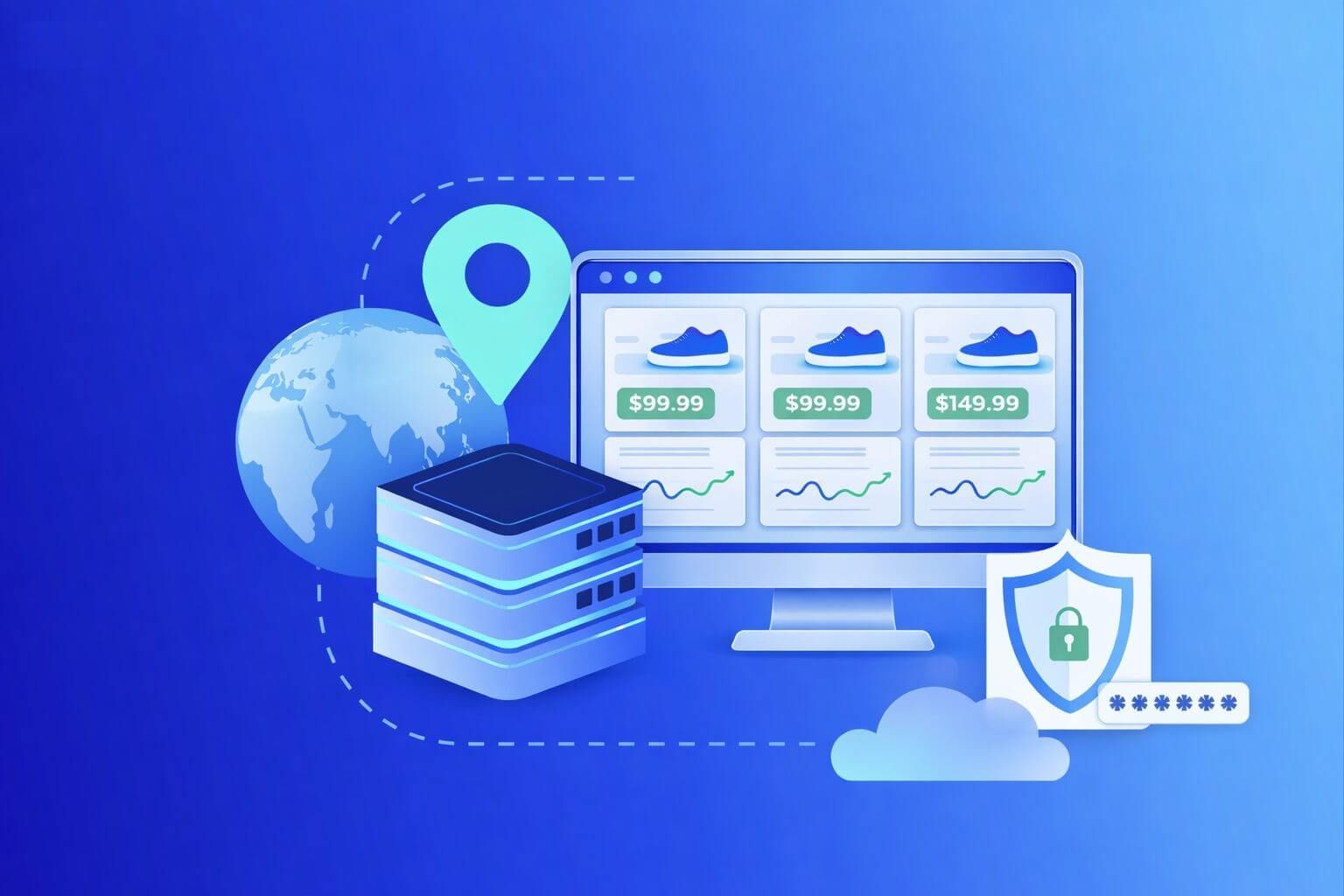
Scenario 1: Retail price tracking at scale
- Starting on datacenter IPs, success was high at low volume but fell during peak hours.
- Switching category pages to datacenter with stricter per-domain QPS, and product detail pages to residential for stability, cut retries by half.
- Net result: better CPSR even though proxy unit costs rose.
Scenario 2: Travel search with dynamic JS
- Initial headless + residential worked, but cost ballooned.
- Pre-rendering the search form and caching static bundles let the team serve more with HTTP clients.
- Datacenter IPs handled static assets; residential stayed on the booking flow only.
Watch out for this
- Pushing concurrency based on worker count, not target tolerance.
- Rotating IPs on a fixed schedule instead of reacting to signals.
- Overusing headless browsers when text-only clients would pass.
- Ignoring ASN/ISP diversity; too many IPs from one provider trigger blocks.
- Treating captchas as failures instead of a signal to change tactics.
- Letting cookie jars grow without pruning, which raises suspicion.
Scraping patterns and anti-bot pressure
Anti-bot systems look for volume surges, identical headers, and predictable paths. Small changes matter.
- Stagger requests and add randomness to navigation order.
- Rotate user-agents within realistic families tied to OS and device.
- Reuse sessions only where it helps; otherwise favor short-lived ones.
- Prefer server-side rendering when targets expose HTML snapshots.
For a broader overview of patterns, see these web scraping use cases and practices.
Proxies for AI data collection: stability-first choices
Start with the least complex setup that hits your quality bar. Add scale once metrics hold steady.
- If the target is public and tolerant, try datacenter first with strict QPS.
- If you see early 403/429 spikes or captchas, switch key flows to residential.
- Keep both options ready. The right answer can change by domain and by week.
The right proxies for AI data collection are the ones that minimize CPSR while meeting freshness SLAs and compliance rules. Anything else is an optimization problem without a business purpose.
Implementation checklist
- Define per-domain goals: success rate, block rate, freshness.
- Pick initial proxy type by target friction and geo needs.
- Set conservative concurrency and rotation with jitter.
- Collect structured logs of blocks, captchas, and retries.
- Run a 7–10 day pilot, vary only one factor at a time.
- Lock in guardrails and alerting on metric drift.
Frequently Asked Questions
Q1: How do I decide between datacenter and residential for a new target?
- Start with a short probe. If 2xx success remains high at modest QPS and no captchas appear, datacenter may be fine. If you hit 403/429 or dynamic checks early, switch the critical steps to residential and retest.
Q2: What’s a good rotation policy for session stability?
- Rotate on signals, not a timer. Use sticky sessions for carts or pagination, and rotate on block spikes or captchas. Add random jitter to avoid synchronized patterns across workers.
Q3: How do I measure ROI beyond success rate?
- Use CPSR and time-to-freshness. If residential costs more but halves retries and human solves, it can improve CPSR. Tie metrics to revenue drivers like price accuracy or ad verification coverage.
Q4: Do I need headless browsers for AI data collection?
- Only when the target relies on heavy JavaScript or device checks. Try HTTP clients first. Where headless is required, cache assets and pre-warm sessions to keep costs and latencies down.
Q5: What are common causes of sudden block spikes?
- Concurrency jumps, reused fingerprints, or too many requests from the same ASN. Review recent deploys, reduce QPS, rotate IP pools, and refresh headers or TLS fingerprints where appropriate.
Q6: How should I handle captchas?
- Treat them as a routing signal. Lower QPS, switch to a higher-trust proxy type for that flow, or change the path. Reserve captcha solving for small, high-value segments.
Q7: How do I ensure geo accuracy for localized content?
- Validate IP region before each batch and sample pages for language or currency markers. Keep a small control list of known geo-locked pages to spot drift quickly.
Closing thoughts and next steps
Balancing stability and scale is not a one-time setting. It’s a loop: probe, measure, adjust. Datacenter pools give cost-effective throughput on tolerant targets. Residential networks boost session stability on harder ones. The winning setup matches proxy type, concurrency, and rotation to each domain’s pressure.
Next steps:
- Run a two-week pilot across your top five domains with both proxy types.
- Track success rate, block rate, session stability, geo accuracy, and CPSR.
- Lock guardrails where curves bend, then scale slowly.
For deeper dives, explore SquidProxies technical resources on proxy types, use cases, and implementation patterns. If you need to brief your team, share this guide and start a small benchmark plan today. The right proxies for AI data collection will show up as lower CPSR, fewer alerts, and steadier data freshness.
About the author
Marcus Delgado
Marcus Delgado is a network security analyst focused on proxy protocols, authentication models, and traffic anonymization. He researches secure proxy deployment patterns and risk mitigation strategies for enterprise environments. At SquidProxies, he writes about SOCKS5 vs HTTP proxies, authentication security, and responsible proxy usage.