Avoiding Data Collection Bottlenecks with Proxies
Your crawler is fast, but your pipeline isn’t. Pages stall, block rates spike, and costs creep up every sprint. The culprit is often simple: scraping bottlenecks proxies strategy mismatch. This guide shows how to pick the right proxy types, tune rotation and sessions, and monitor the signals that actually move throughput. What you’ll get: a decision path you can run this week.
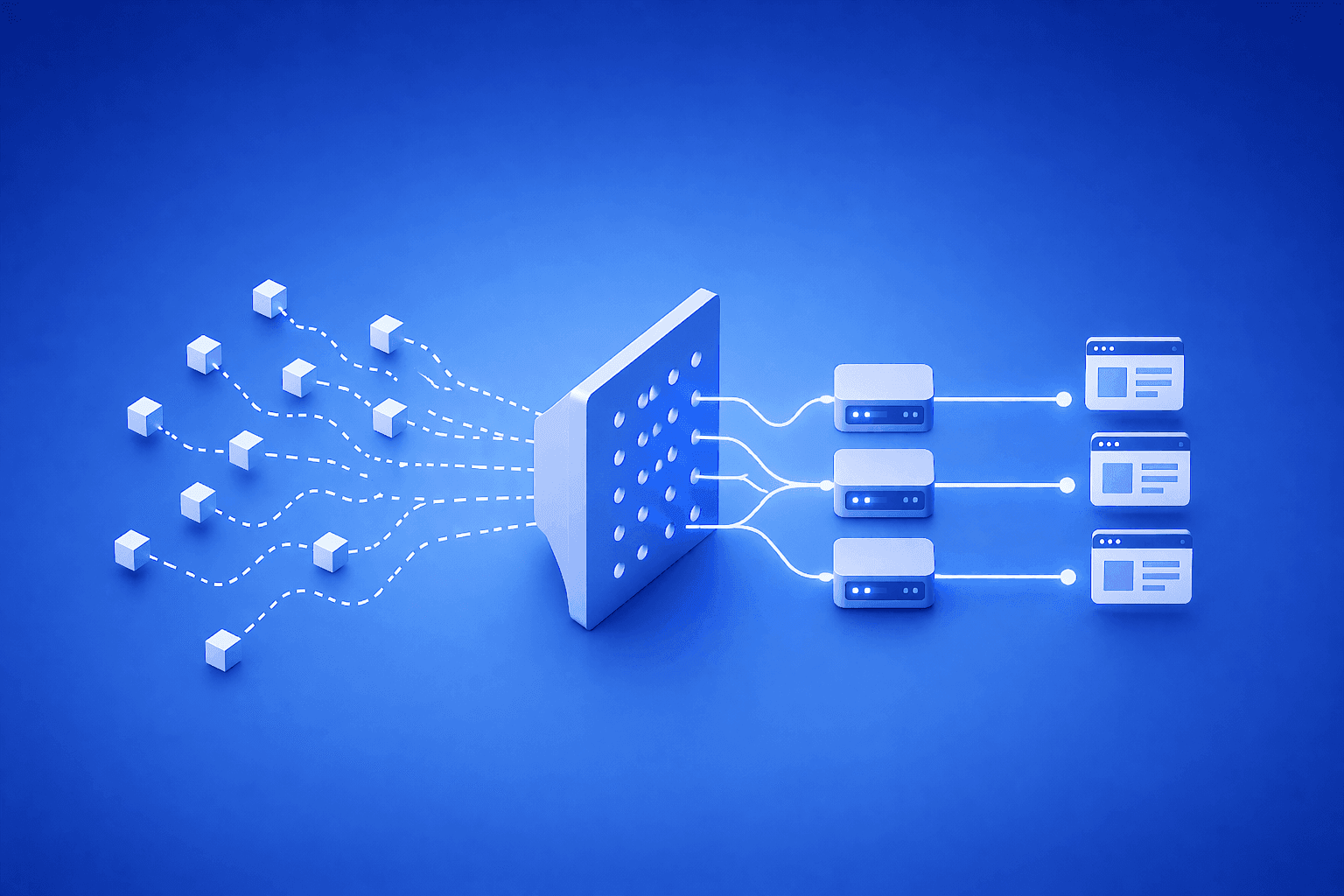
Proxies reduce scraping bottlenecks by distributing traffic across many IPs, matching geo and ASN to the target, and maintaining session stability while pacing concurrency. Use datacenter IPs for speed and volume, residential IPs for hard targets, and measure block rate and cost per successful request to optimize.
What actually causes scraping bottlenecks
A proxy is a relay that forwards your request through a different IP. Bottlenecks appear when the target detects automation, traffic looks unnatural, or your throughput plan outgrows site capacity.
Common causes:
- IP clustering: too many requests from one subnet or ASN
- Geo mismatches: IP location doesn’t match expected audience
- Session churn: cookies, tokens, or login flows reset mid-run
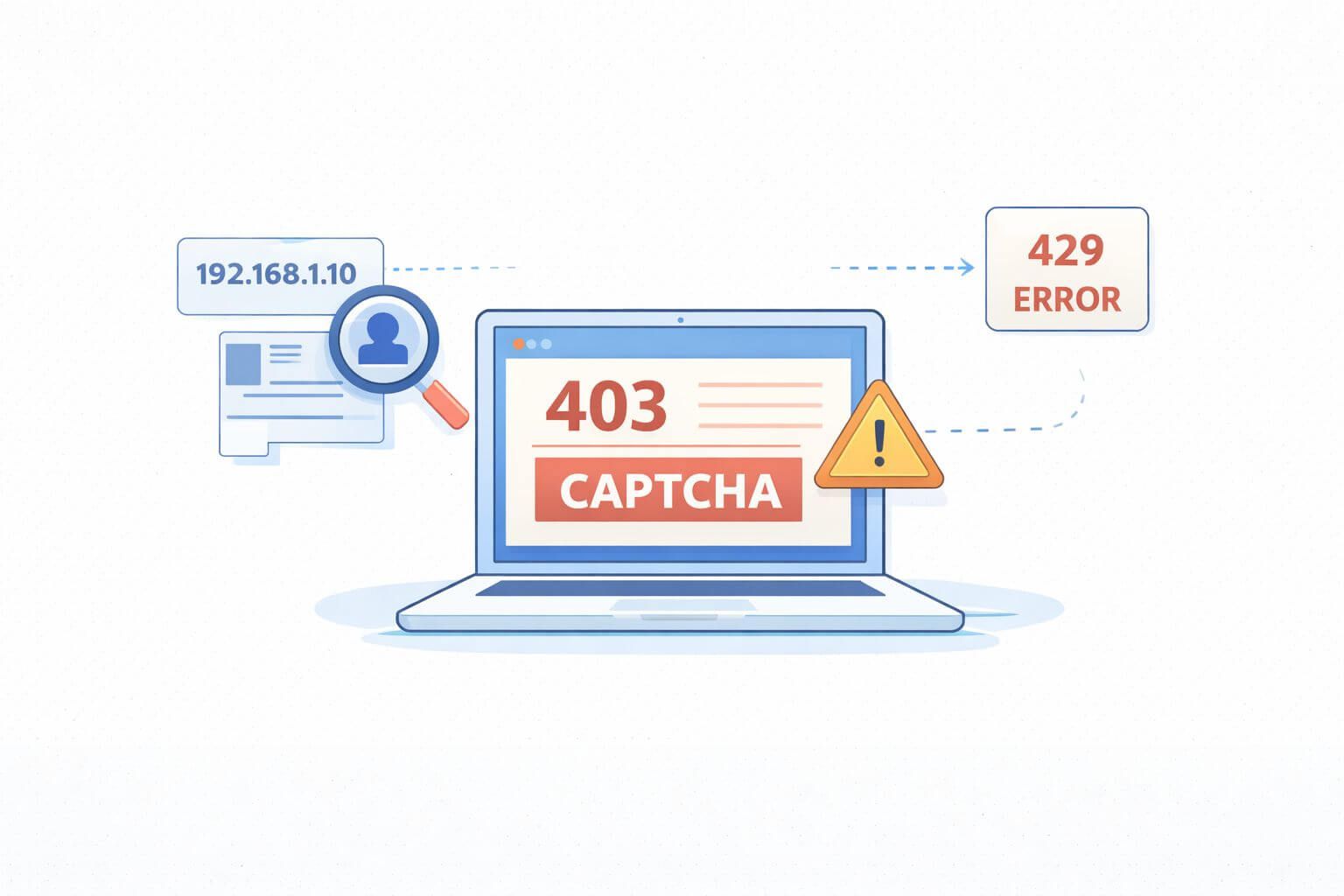
- Rate limits and WAF pressure: 429s, 403s, or soft-bans increase
- Captchas and challenge pages: solve rate outweighs throughput
If you’re new to scaling proxy pools for crawlers, this overview of web scraping proxies maps the basic moving parts.
Scraping bottlenecks proxies: a practical decision path
Use this short sequence to match proxy strategy to your workload and cut friction fast.
- Classify the target
- Easy: marketing sites, static content, light controls
- Moderate: eCom listings, pagination, structured detail pages
- Hard: inventory/price checks, travel search, login or cart flows
- Pick a starting proxy type
- Easy → Datacenter
- Moderate → Datacenter with rotation and session pinning
- Hard → Residential with per-session stickiness and adaptive pacing
- Set request rhythm
- Cap concurrency by domain
- Spread across IPs and time windows
- Warm sessions before depth pages
- Monitor and adapt
- Track block rate, captcha rate, and CPSR (cost per successful request)
- Adjust headers, cookies, and geo
- Swap proxy type if CPSR worsens after tuning
You can skim broader proxy use cases to align with similar traffic patterns.
Compact decision table
| Workload | Defense pressure | Best starting proxy | Key settings |
|---|---|---|---|
| Public marketing pages | Low | Datacenter | High concurrency, fast rotation |
| Product lists/details | Medium | Datacenter → switch if blocked | Session pinning, paced concurrency |
| Price/inventory checks | High | Residential | Sticky sessions, geo-accurate IPs |
| Travel/metasearch | High | Residential | Time-of-day pacing, session reuse |
| Login/account flows | High | Residential | Long-lived sessions, human-like headers |
When speed matters first: start with datacenter
Datacenter proxies are IPs hosted in data centers. They’re fast and cost-effective, ideal for volume against lighter defenses. Start here if early tests show minimal captchas and low block rates.
- Use fast rotation for list pages.
- Pin sessions for detail pages to reduce token churn.
- Scale concurrency to saturate bandwidth without spiking errors.
If you need a baseline for throughput-oriented pools, review available datacenter proxies and test a few geos.
When resilience matters most: favor residential
Residential proxies route through consumer ISPs. They look like real users and evade many WAF heuristics. They’re slower and pricier but win on difficult targets.
- Use sticky residential sessions for pricing or cart steps.
- Match IP geo to the store locale and expected buyer region.
- Pace concurrency; many sites track per-user behavior over time.
When a target escalates blocks despite header and timing fixes, moving to residential proxies often lowers CPSR even at higher unit cost.
Implementation that scales without surprises
Keep it simple. Most scraping bottlenecks proxies issues come from over- or under-rotating, not magical anti-bot tricks.
- Rotation policy: Rotate IPs every N requests, not every request. Pin sessions for any page needing cookies or tokens.
- Concurrency by domain: Start small (example targets to validate in a pilot: 5–10 concurrent) and scale until error rate or latency rises.
- Geo and ASN fit: Choose IPs that match where real users come from. Many catalogs and prices are geo-personalized.
- Header discipline: Reuse stable, device-consistent headers per session. Randomizing every call looks fake.
- Retries: Retry with backoff and a new IP class after a 403/429. Preserve cookies when logical.
- Robots/legal: Respect the site’s terms and applicable laws. Plan consent and opt-outs when scraping user or ad data.
Monitor the signals that matter
Pick a short metrics set that drives decisions, not dashboards.
- Block rate: Share of requests returning 403/429/Challenge. Falling block rate after a change = keep; rising = rollback.
- CPSR (cost per successful request): CPSR = Total proxy cost / Successful responses. In plain terms: how much you pay per usable page.
- Session survival: Median pages per session before a challenge. Longer sessions help login or cart flows.
- Geo accuracy: Percent of IPs in your intended country/region. Mismatches inflate captcha and variance.
- Uptime: Proxy availability during your run windows.
- Throughput: Successful pages per minute at steady-state.
Example targets to validate in a pilot:
- Block rate under 5–10% on easy/medium targets; under 20% on hard targets before retries
- CPSR trending down or flat as concurrency rises
- Session survival improving after header and pacing tweaks
Watch out for this: common failure modes
- Over-rotation: Changing IPs every request breaks cookies and CSRF flows. Result: more logins, more resets.
- Concurrency spikes: A jump from 10 to 100 concurrent trips WAF baselines. Ramp slowly.
- Header randomness: Rotating device fingerprints every call looks robotic. Keep stable per session.
- Geo mismatch: Testing US retail with EU IPs distorts pricing and triggers blocks.
- Mixing workloads: Running multiple domains through the same IP pool creates noisy collateral blocks.
Response playbook:
- Tighten session stickiness for stateful paths.
- Reduce concurrency and widen time windows.
- Swap to a different proxy type if tuning stalls and CPSR rises.
- Refresh warm-up logic: visit homepage/category before deep URLs.
Two quick scenarios
- eCommerce price tracking
- Symptom: 403s after several detail pages, varying by brand.
- Fix: Pin sessions per brand path, pace to 10–20 RPM per domain, and switch stubborn SKUs to residential. Result: lower block rate and stable CPSR.
- Travel availability search
- Symptom: Captchas near checkout when changing dates.
- Fix: Use residential with sticky sessions tied to a realistic buyer geo. Reuse headers and cookies; slow to human-like intervals. Result: fewer challenges and consistent seat maps.
A simple checklist you can act on today
- Map each target to easy, moderate, or hard.
- Choose datacenter for easy/moderate; residential for hard.
- Set rotation per N requests; pin sessions for stateful pages.
- Limit concurrency by domain; ramp gradually.
- Track block rate and CPSR; change one variable at a time.
Capacity, budgeting, and forecasting
Capacity planning for proxies is about CPSR predictability. Start with a small pool, collect metrics, and scale the winning setup.
- Budget by CPSR, not proxy unit price. A pricier IP that avoids retries can be cheaper per page.
- Separate pools by client or domain to isolate noise.
- Run periodic geo audits to keep pricing and inventory comparable.
If you’re weighing pool sizes and regions, compare available options in current proxy plans and pricing and pilot with a narrow, high-value slice first.
Mid-run tuning: small changes, big gains
Most scraping bottlenecks proxies problems yield to three levers:
- Pacing: Add jitter to intervals and reduce burstiness.
- State: Increase session stickiness only on flows that need it.
- Identity: Align headers, languages, and time zones with the chosen geo.
Validate each change with a 30–60 minute A/B run and compare CPSR and block rate.
Frequently Asked Questions
How do I choose between datacenter and residential for a new target?
Start with datacenter for public catalog pages and measure block rate and CPSR. If you see rising challenges, geo variance, or unstable sessions, switch the blocked segments to residential and keep the rest on datacenter to control cost.
What rotation policy avoids most soft bans?
Rotate IPs every few requests for list pages, and use sticky sessions for detail, cart, or login flows. Over-rotation looks unnatural and resets tokens. Pair rotation with per-domain concurrency limits and gentle backoff on 429/403.
How should I set concurrency without triggering WAFs?
Ramp up from a small baseline and watch latency, error codes, and captcha rate. If latency and soft errors rise together, you’ve hit capacity. Cap concurrency per domain and spread runs across time windows rather than spiking.
Which metrics predict real savings, not just nicer graphs?
Track block rate and CPSR together. CPSR captures the full effect of retries, captchas, and failures. Session survival and geo accuracy explain why CPSR moves, and help you decide whether to tune or switch proxy type.
Do I need residential for every login flow?
Not necessarily. Some login forms accept datacenter traffic if pacing and sessions are stable. If you see device fingerprint checks or repeated challenges despite tuning, residential often reduces friction and total CPSR.
How do I keep proxies compliant with site rules?
Review the target’s terms and applicable laws, and respect robots directives where required. Limit data to what you have a lawful basis to collect, and store it securely. Plan consent and opt-outs when user data could be involved.
Can I mix multiple client workloads in one proxy pool?
You can, but isolation is safer. Mixing domains increases cross-contamination risk and makes debugging harder. Separate pools by domain or client to keep signals clean and protect CPSR predictability.
Wrap-up and next steps
Avoiding bottlenecks with proxies is about fit: align proxy type to target pressure, tune rotation and sessions for stateful paths, and manage concurrency to the site’s comfort level. Measure block rate and CPSR, and change one thing at a time. Most scraping bottlenecks proxies issues improve within a single pilot when you follow that path.
Next steps:
- Run a 60-minute pilot on one domain with datacenter and residential variants.
- Track block rate, CPSR, session survival, and geo accuracy.
- Keep the cheaper CPSR path, then scale concurrency slowly.
If you want deeper patterns and examples, explore SquidProxies’ technical resources on web data collection and proxy selection frameworks.
About the author
Marcus Delgado
Marcus Delgado is a network security analyst focused on proxy protocols, authentication models, and traffic anonymization. He researches secure proxy deployment patterns and risk mitigation strategies for enterprise environments. At SquidProxies, he writes about SOCKS5 vs HTTP proxies, authentication security, and responsible proxy usage.